DA – Post Meta
DA – Post Meta widget is used when you want to display Post Metadata like Date, Category, Author Name, Tag, or Comments to your Post/Page layout.
DA – Post Meta widget gives you many options under the editing section.
Content
General
- Layout: Layout gives you the option of displaying the content either vertically or in Horizontal mode.
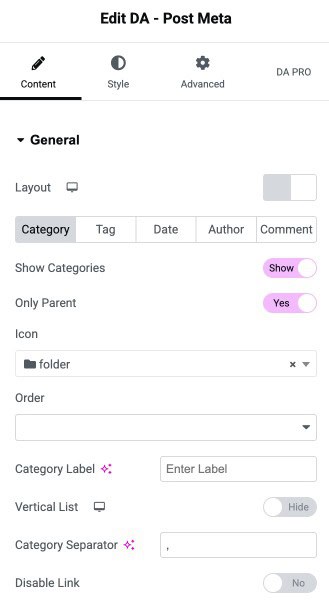
- Category
- Show Category: Enable the option to display the category.
- Only Parent: Enable this to display only parent category.
- Icon: under the icon, you can choose any icon you want to show with your category.
- Order: In this, you can decide on which no/order your category will be displayed.
- Category Label: Add a label that will be shown before the category name(like Category Actor here. Category is a label)
- Vertical List: If you enable this, then your category content will be displayed in vertical mode. And under this, it provides you with an alignment option from which you can adjust your alignment(i.e., left, center, right)
- Category Separator: This option is for separating your category with a symbol. (like – comma, colon, etc..)
- Disable Link: By default, the link for the category is shown if you want to disable that link, then you can use this option.
- Tag: Tags are used when you want that topic to be searchable.

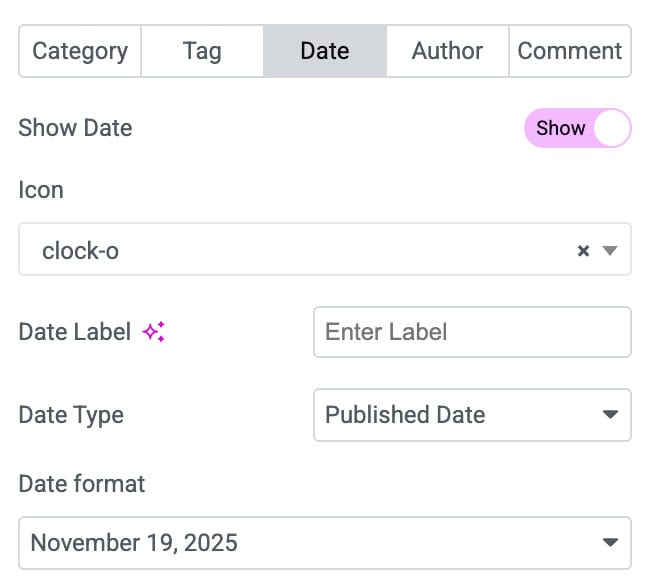
- Date: It is used when you want to show the date of your post. There are many options available under this to display the date.
- Date type: Choose the date type to publish your post on. Under this, it gives you two options i.e.
- Published Date: In this, the Post Publish date will be displayed.
- Modified Date: In this option, you can modify the date as per your choice.
- Date Format: In which format you want to display date (like DD/MM/YY or MM/DD/YY etc..)
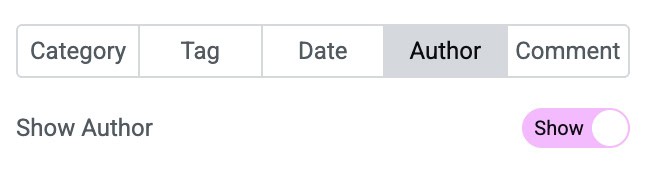
- Author: Author option is used when you want to display the Author details on your Post/Page
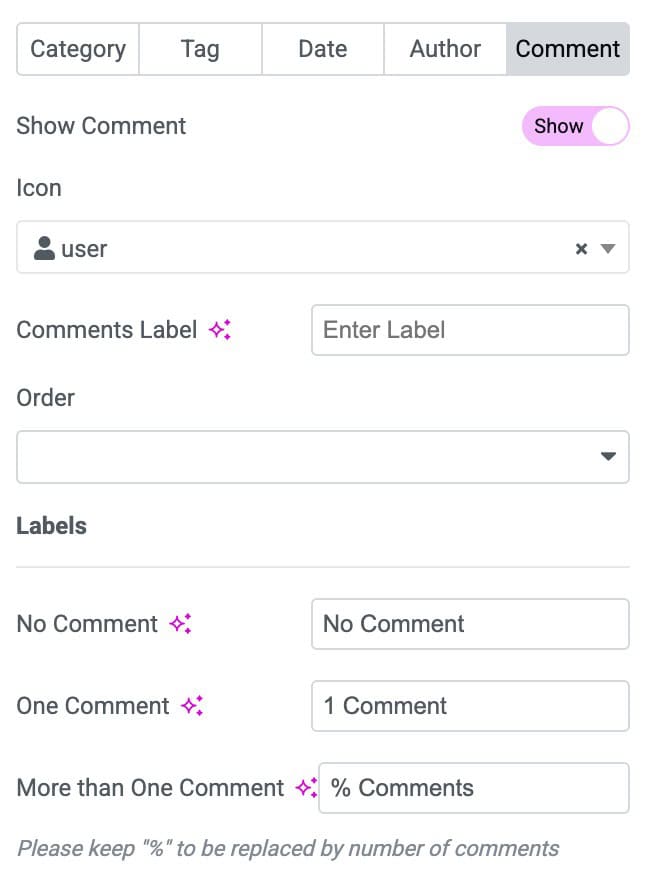
- Comment: You can use the Comment option when you want to display any other extra information on your post page. Also set the labels of comment.
Style
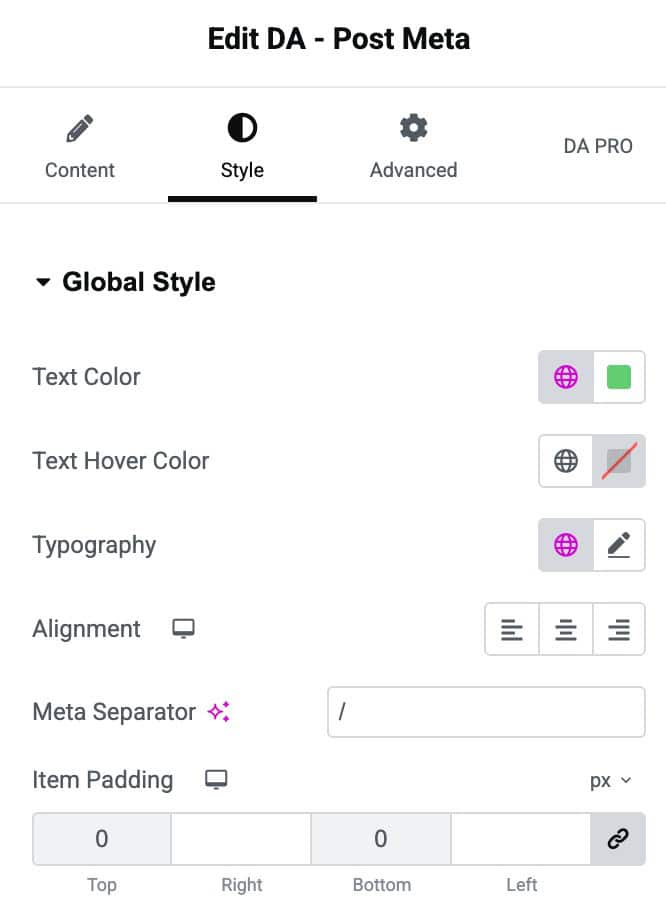
Global Style
- Text Color: Sets the default color of the text throughout the widget.
- Text Hover Color: Defines the color of the text when hovered.
- Typography: Allows customization of font style, size, weight, and spacing.
- Alignment: Aligns the text left, center, right, or justified.
- Meta Separator: Symbol used to separate meta items like date, author, or category.
- Item Padding: Adds inner spacing around each item to control layout spacing.
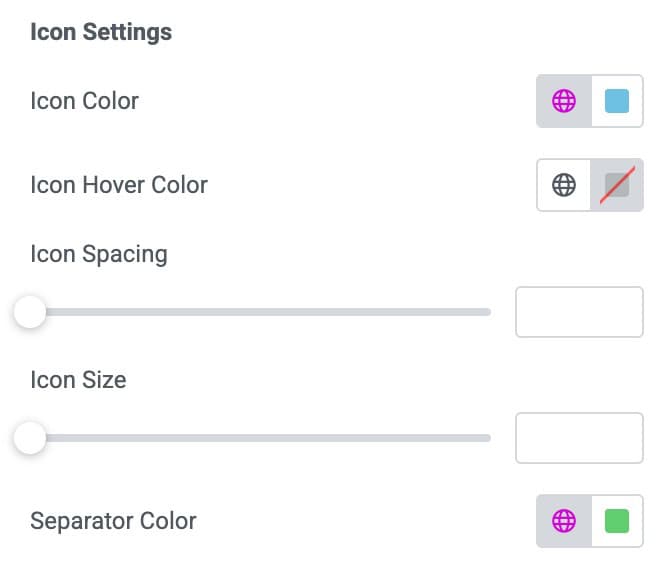
Icon Settings
- Icon Color: Select the icon color.
- Icon Hover Color: Choose the icon hover color.
- Icon Spacing: Specify the spacing between icon and other elements.
- Icon Size: Specify the icon size.
- Separator Color: Choose the separator color.
Categories
- Padding: Set the padding.
- Margin: Set the margin of categories.
- Border Type: Choose the border type.
- Border Radius: Set the border radius.
- Background: Select the background color.
- Background Hover Color: Select the hover background color of categories.

Tags
- Padding: Set the padding.
- Margin: Set the margin of tags.
- Border Type: Choose the border type.
- Border Radius: Set the border radius.
- Background: Select the background color.
- Background Hover Color: Select the hover background color of tags.

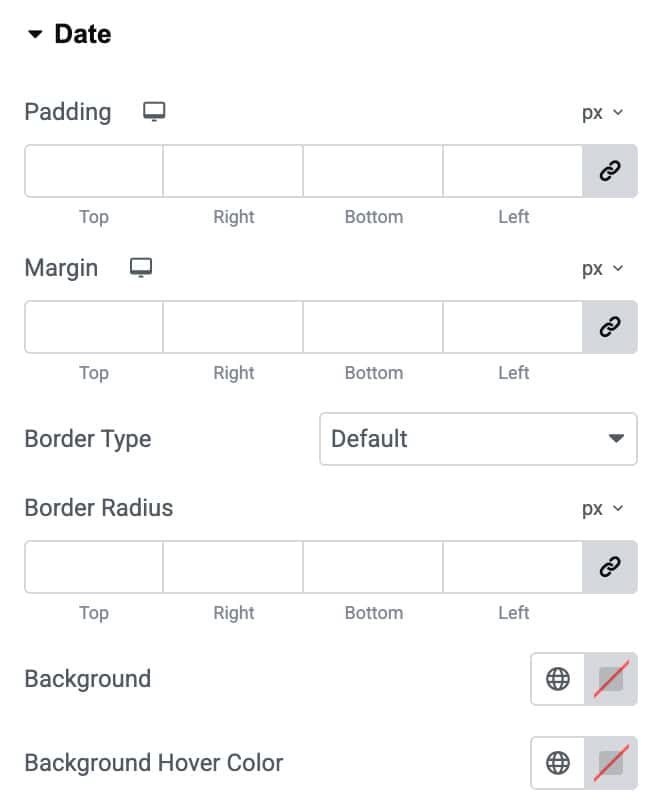
Date
- Padding: Set the padding.
- Margin: Set the margin of Date.
- Border Type: Choose the border type.
- Border Radius: Set the border radius.
- Background: Select the background color.
- Background Hover Color: Select the hover background color of Date.
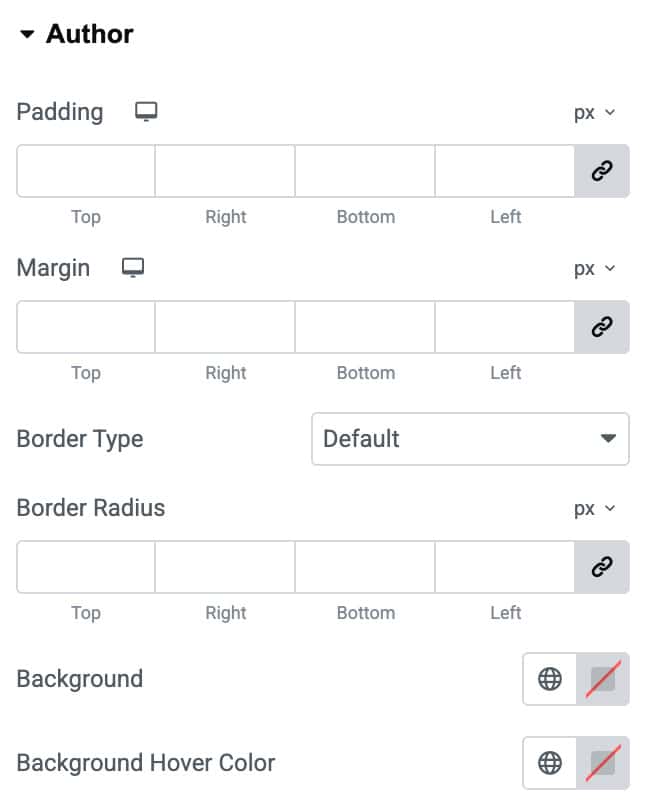
Author
- Padding: Set the padding.
- Margin: Set the margin of Author.
- Border Type: Choose the border type.
- Border Radius: Set the border radius.
- Background: Select the background color.
- Background Hover Color: Select the hover background color of Author.
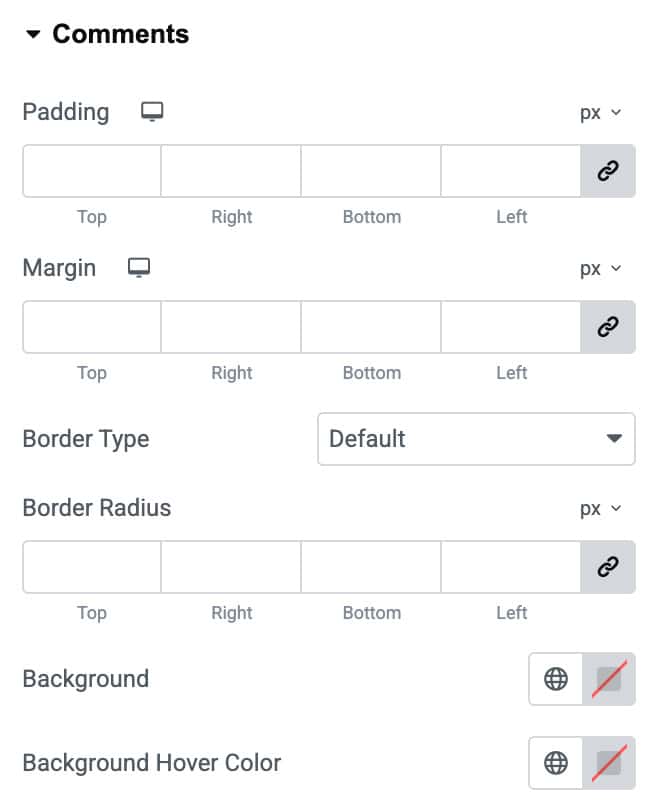
Comments
- Padding: Set the padding.
- Margin: Set the margin of Author.
- Border Type: Choose the border type.
- Border Radius: Set the border radius.
- Background: Select the background color.
- Background Hover Color: Select the hover background color of Author.