
Blog
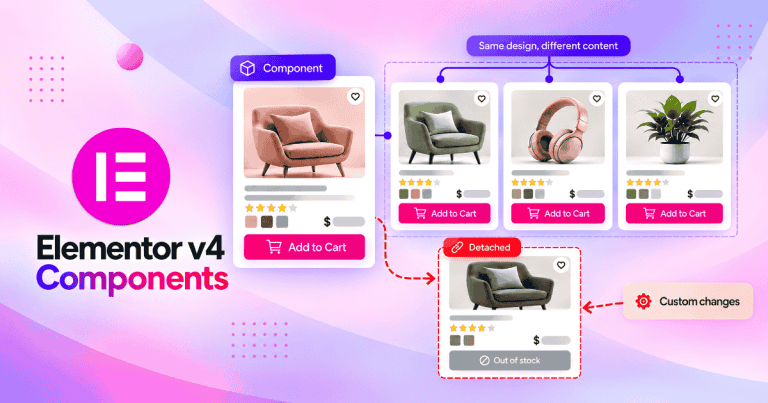
Complete Guide to Elementor v4 Components
Think about the last card, testimonial, or CTA block you built that turned out exactly right, then needed to appear on a second page, a third, and a fourth. Did you copy and paste it every time, rebuild it from…
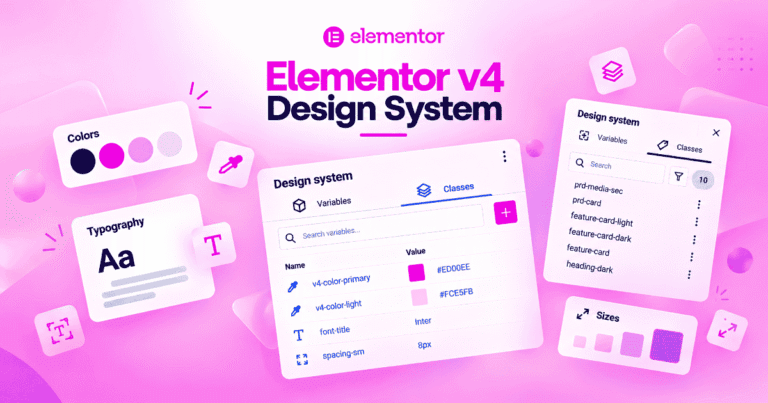
Complete Guide to Elementor v4 Design System
Elementor v4's Design System panel brings your Variables and Classes into one screen, so every color, font, and reusable style lives in a single place instead of scattered across separate managers. This guide covers what the panel shows, how to use it on a real project, and the mistakes to avoid as your design system grows.
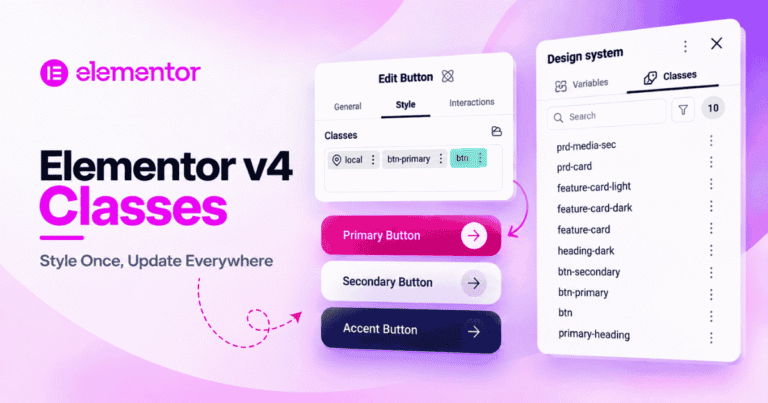
How Do Elementor v4 Classes Work? A Complete Guide
Every element in Elementor v4 already comes with a Class attached to it, whether you set one or not. This guide walks through creating your first reusable Class, structuring buttons and sections the right way, and overriding a single property without building a whole new Class for it.
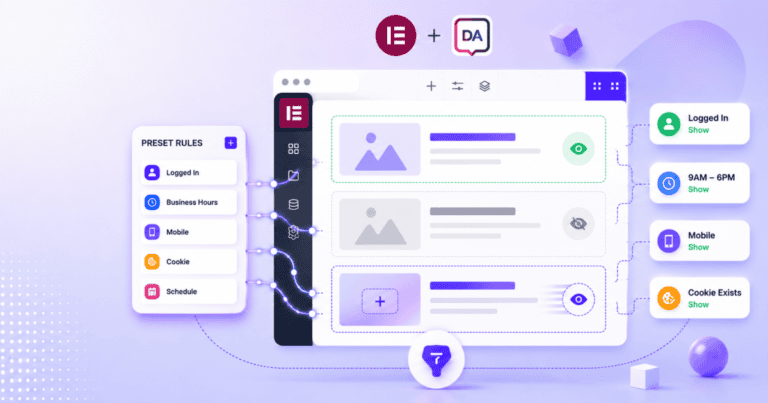
How to Add Conditional Display in Elementor Without Elementor Pro
Neither Elementor free nor Elementor Pro gives you a general-purpose way to show or hide a section, column, or widget based on a condition. Elementor Pro’s “Display Conditions” only control when an entire Popup appears – there’s nothing built in…
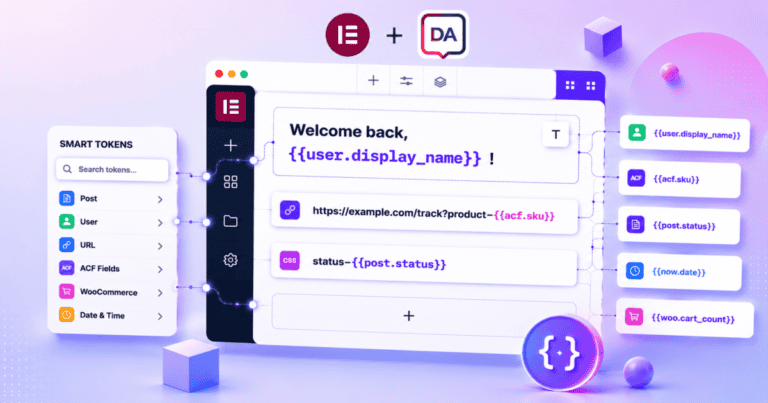
How to Insert Dynamic Text Into Any Elementor Field Without Dynamic Tags
Elementor’s Dynamic Tags only work in the specific fields Elementor decided to support, and several of the most useful ones – ACF sub-fields, WooCommerce product data, post meta — are locked behind Elementor Pro. Even where they are available, you…
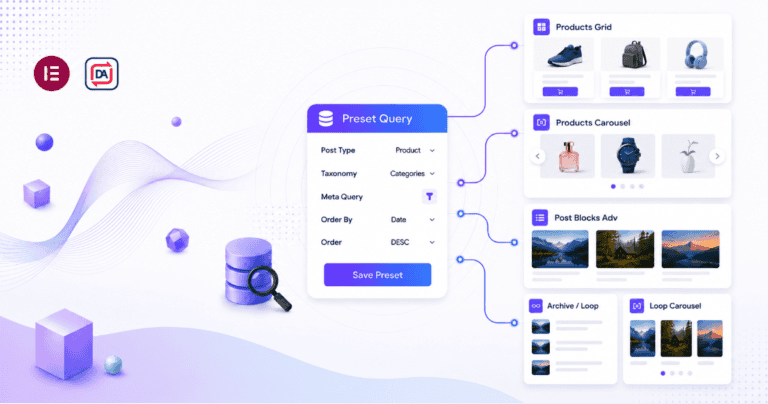
How to Reuse the Same Filtered Query Across Multiple Elementor Widgets
In Elementor, every query widget keeps its own private copy of filter, sort, and pagination settings. The Posts widget on your homepage, the Loop Grid on a category page, and the WooCommerce Products widget in your sidebar don’t share anything…
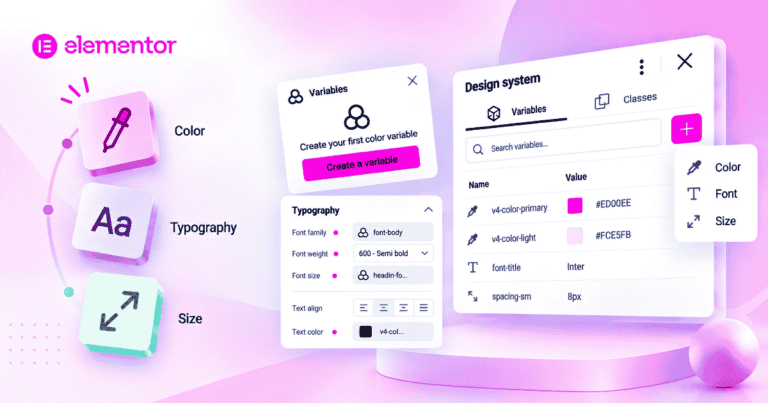
Elementor v4 Variables: How to Create and Use Them
A hands-on guide to Elementor v4 Variables, the new way to manage colors, fonts, and spacing from one place instead of setting them manually on every element. Covers setup, usage on real elements, a starter Variable list, and common mistakes to avoid.
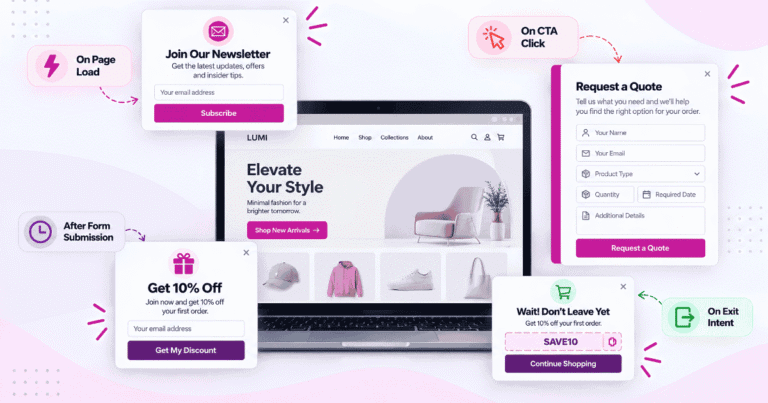
Best Elementor Popup Ideas to Engage Visitors and Increase Conversions
A newsletter offer, an FAQ prompt, and a quote form all need different triggers. Seven practical examples showing which trigger and position fits each one.

How to Create an Effective Popup Using Elementor Popup Builder
Elementor's Popup Builder can help or hurt a site depending on how it's set up. Here's how to use triggers, targeting, and Advanced Rules so a popup converts instead of driving visitors away.