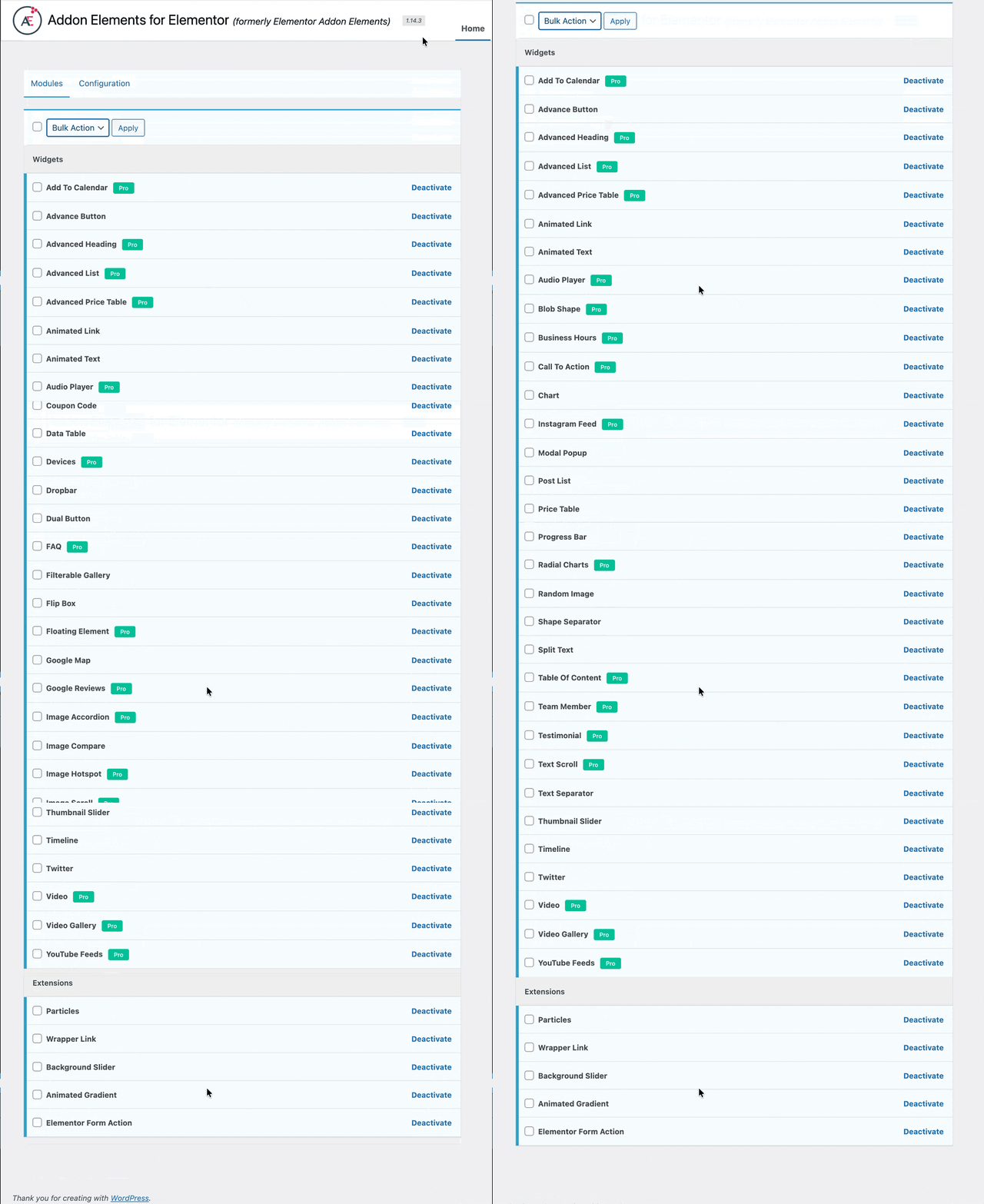
How to Enable / Disable Modules
Addon Elements for Elementor (formerly Elementor Addon Elements) allows you to enable/disable modules as per your choice. This feature allows you to disable widgets not used on your website.
Thus this will help you in managing the page builder interface and will also reduce the server load.
- Navigate to the WordPress Dashboard -> Addon Elements.
- Under the Modules tab, Deactivate or Activate the widgets individually.
- You can use Bulk Action option to apply the action on all elements.