
ACF Options Page Dynamic Data
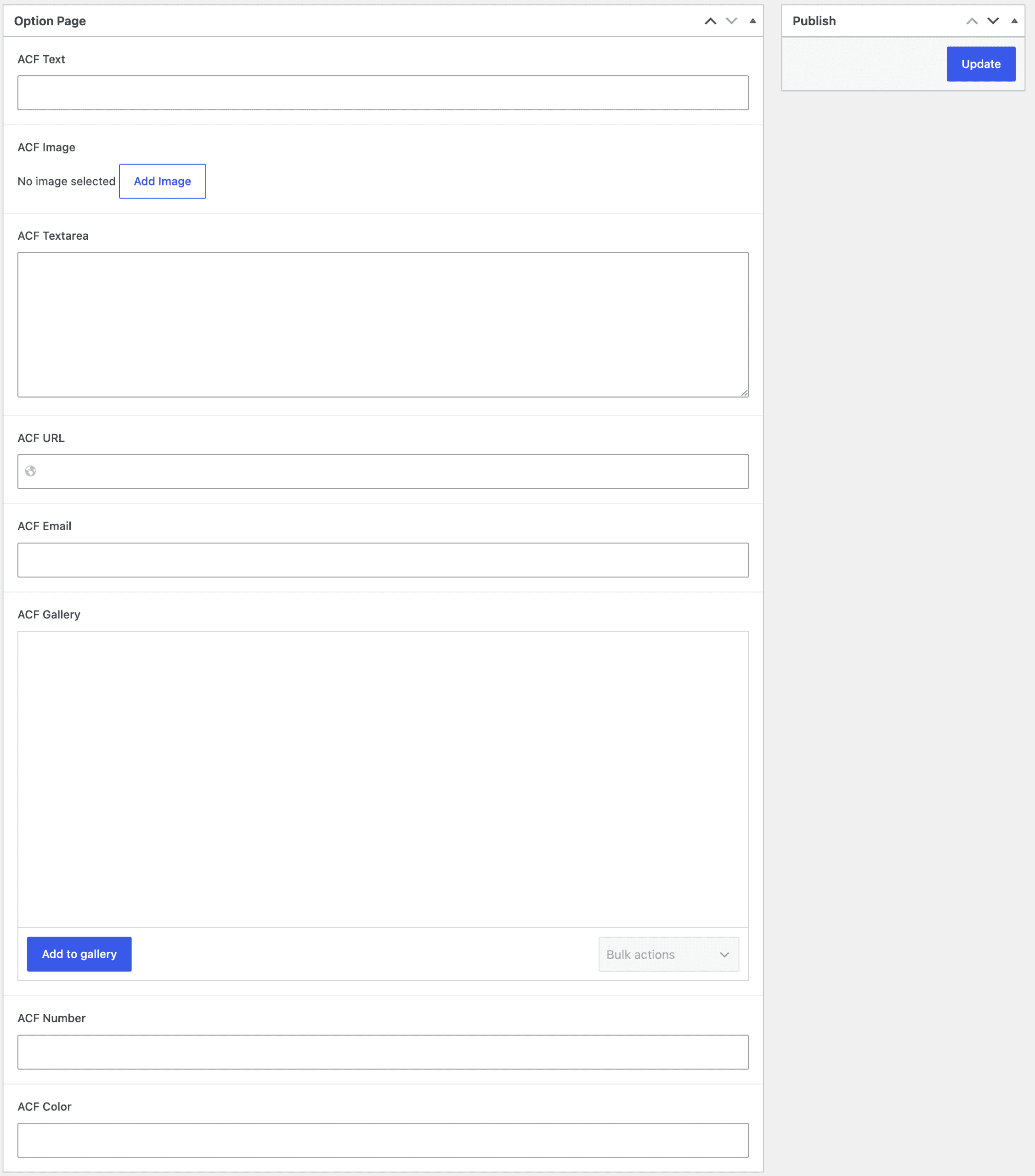
An ACF Options Page Dynamic Data stores field values that aren’t tied to any single post — global settings like a site-wide phone number, a footer address, or a set of “Featured Deals” managed from one admin screen. Dynific doesn’t need a separate dynamic tag group for this — Options Page fields surface right inside the same ACF tags you already use.
How It Works
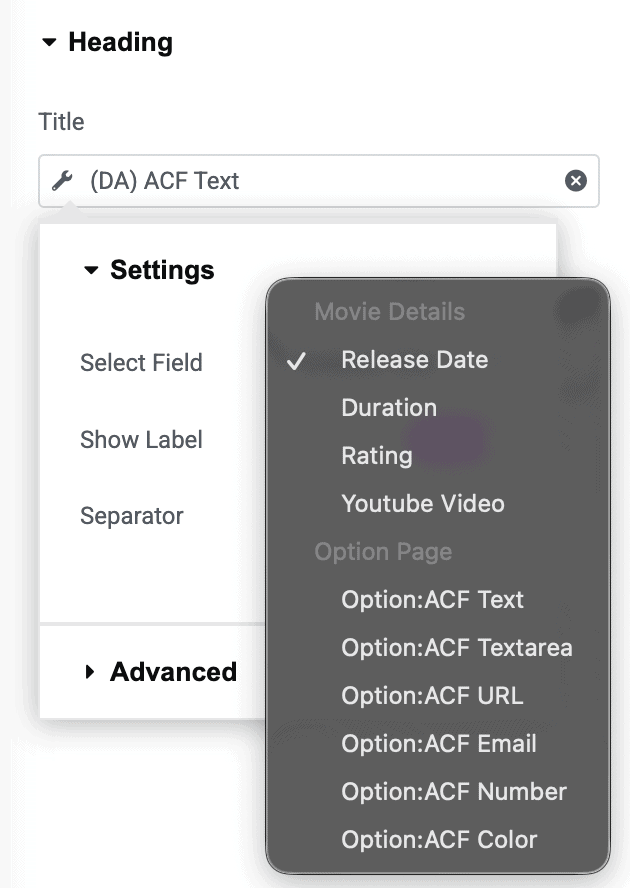
When an ACF Field Group’s location rule is set to an Options Page, every dynamic tag’s Select Field dropdown automatically labels that field Option: [Field Label] instead of just the field label. Pick it like any other field — the tag reads it from the options store instead of the current post.
This applies across the board:
- ACF Text, ACF Number, ACF URL, ACF Image, ACF Color, ACF Gallery — pick the
Option:-prefixed entry to pull a plain Options Page field. - ACF Repeater tags — an Options Page Repeater field shows up the same way in the Repeater picker, prefixed
Option:. - ACF Flexible Content tags — likewise, an Options Page Flexible Content field is selectable and prefixed
Option:in the layout picker.
Mixed-Location Field Groups
If a field group is assigned to both an Options Page and regular post types (rather than only an Options Page), you’ll see two entries for that field — the Option: version and the normal post-scoped version — so you can choose which context to pull from.
Requirements
Options Pages are an ACF Pro feature, so this only appears once ACF Pro is active and at least one Options Page has been registered (either through ACF Pro’s UI or by your theme/plugin code).
No separate widget needed: use the same ACF Fields, ACF Repeater, or ACF Flexible Content widgets as you normally would — Options Page data is just another entry in the same field picker.