Export and Import Dynific Addons for Elementor Template
With the Export and Import template features, you can easily move your website’s DA templates to another website without having recreated everything from scratch. Sometimes, we build templates on our staging/development environment and then move them to live; in such cases, this feature saves us tons of time!
Export Single Template
To export a template, Navigate to WordPress Dashboard, DA Templates. Here, you need to select an existing DA template. Where you can find the “Export Template” option.
Now click on the “Export Template” option and save the JSON file to your system.

Export Multiple Templates
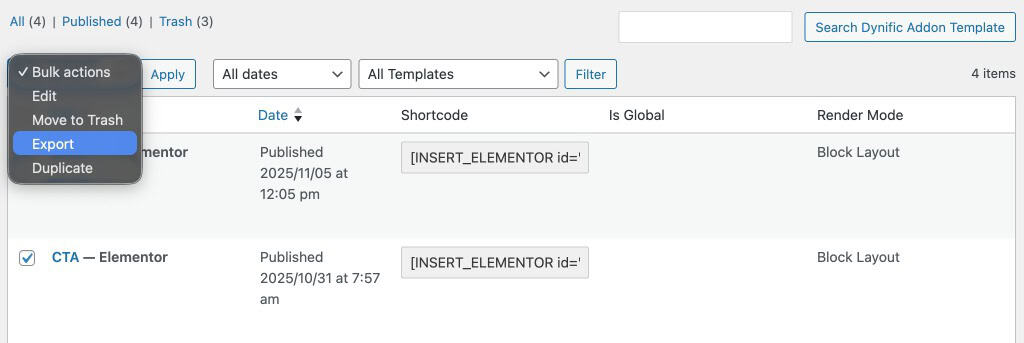
You can also export multiple templates, for this you need to select desired DA templates by selecting the checkbox and then from the bulk actions dropdown, you can find an export option. After choosing it, click on the “Apply” button to download templates in bulk.
Import Template
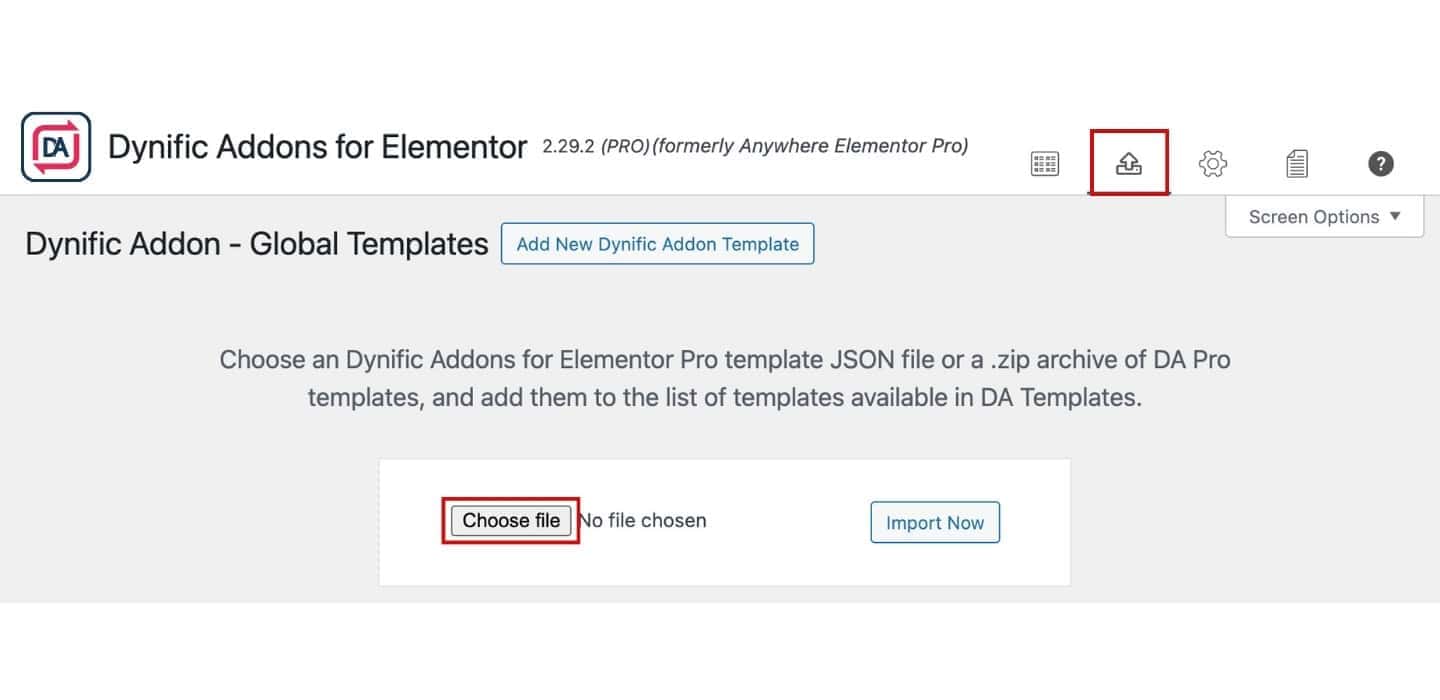
To import a Template, Navigate to WordPress Dashboard, DA Templates. Here, you can find an option to import a template, click on it, and upload your exported JSON file or zip archive. And just hit the “Import Now” button to see the magic.