DA – Woo Tags
The DA – Woo Tags widget lets you display product tags beautifully on your WooCommerce product pages. It helps customers easily explore related products by clicking on tags, improving product discovery and user experience.
The DA – Woo Tags widget features the following controls.
Content
General
- Layout: Choose how the tags are displayed horizontally or vertically.
- Alignment: Set the position of the tags.
- Icon: Select an icon to display before the tags.
- Prefix: Add custom text before the tag list.
- Tag Separator: Define the symbol or character used to separate multiple tags.

Style
Tags
- Typography: Set the typography of tag.
- Label Typography: Set the typography of label.
- Text Color: Select the text color of tags.
- Label Color: Choose the label text color.
- Border Type: Select the border type.
- Border Radius: Set the border radius.
- Background: Choose the background color.

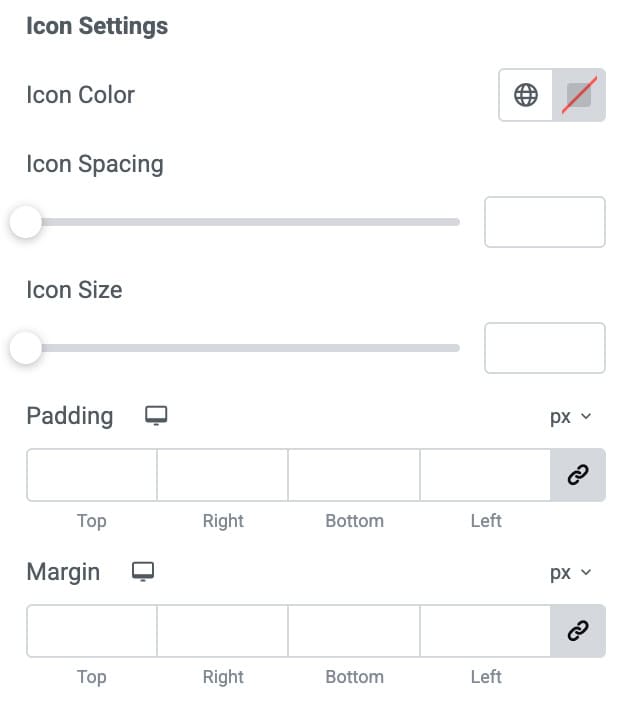
Icon Settings
- Icon Color: Select the icon color.
- Icon Spacing: Set the spacing between icon and text.
- Icon Size: Specify the size of icon.
- Padding: Set the padding.
- Margin: Set the margin.