Dynamic Background
The Dynamic Background extension allows you to add images or colors dynamically to container backgrounds. It offers various options to customize and control how your background appears, helping you create visually engaging and dynamic designs.
Dynamic Background
- Background Image: Enable this option to add dynamic background to container.
- Source: Select source from which you have to display images.
- Is Group Field: Enable the option if the field is group field.
- Group Field Key: Specify the group field key.
- Field Key: Specify the image field key.
- Fallback Image: Upload the fallback image to display.

- Image Size: Select the size of image.
- Background Size: Select the size from cover or contain.
- Background Position: Choose the position of image.
- Background Attachment: Select from fixed or scroll.
- Background Repeat: Choose the repeat properties of image.

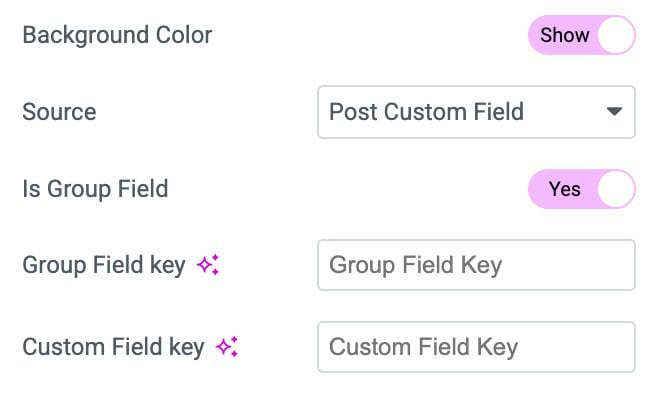
- Background Color: Enable the option to apply the color as background.
- Source: Choose the source to display color as background.
- Is Group Field: Enable the option if the field is group field.
- Group Field Key: Specify the group field key.
- Custom Field Key: Specify the color field key.