
Tag EAE
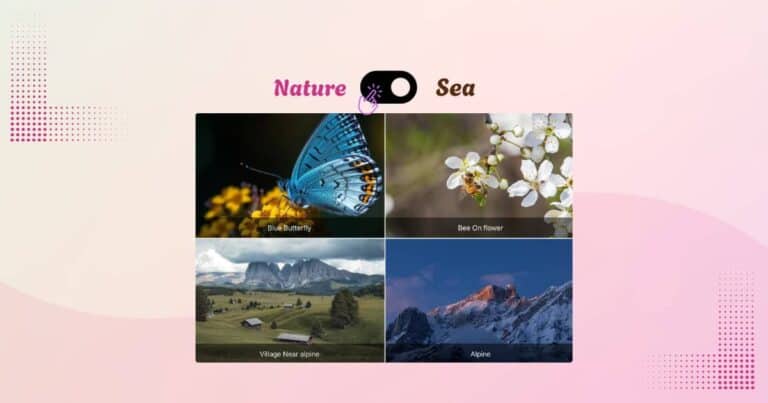
How to Add Interactive Content Switcher to your WordPress Website
Want to display multiple versions of content in a sleek, user-friendly way? Instead of using long pages or tabs, add a content switcher to your WordPress site. With the Content Switcher widget, you can allow users to toggle between product…

Create Stunning Animated Gradient Backgrounds in Elementor
Incorporating Animated Gradient Backgrounds in Elementor is a popular trend nowadays. Using multiple colors with eye-catching animated effects not only adds a unique touch to your website but also attracts visitors. Animated gradient backgrounds are a modern way to grab…

Create An Effective Price Table In Elementor
You must have come across in most of the websites that offer courses and packages a table that showcase an effective pricing plan to its customers. The price table helps the customers to pick the most appropriate plan for them.

4 Simple Steps To Create After/Before Image Comparison With Elementor
Do you want to showcase after/before images of a new and old product on your website? Before and after images can be useful to let your visitors easily differentiate and make a comparison between the two types of products. There…

How To Create 3D Image Effect In Elementor Pro
Incorporating 3d image effects adds a unique touch to your website. Who doesn’t like to play with moving and interactive websites? Moving objects not only enhance the website’s look but also make it very appealing and fascinating for the viewer. …
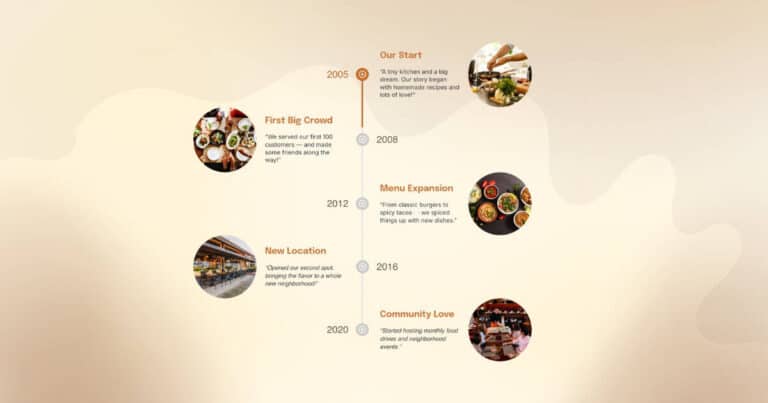
Create Attractive Post Timeline In Just 3 Simple Steps
Want to display your blog posts in a visually appealing, chronological layout?A post timeline is a creative way to showcase your content and keep visitors engaged. Whether you run a blog, portfolio, or event-based site, our Timeline widget lets you…
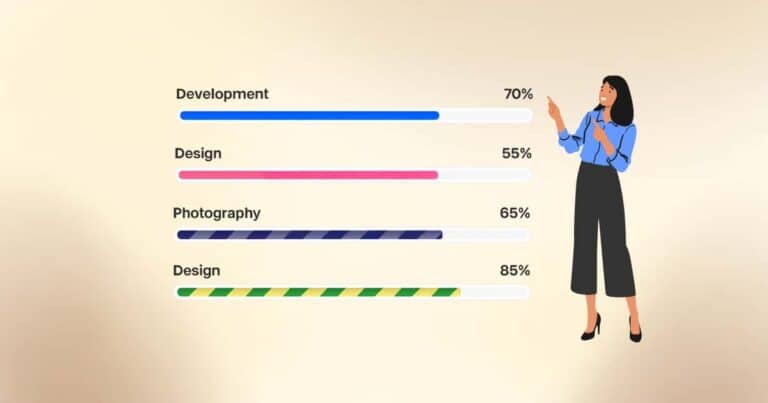
How to Add a Progress Bar in Elementor
Want to add animated progress bars in Elementor without writing code? Progress bars are a great way to visually represent skills, project completion, or key stats. But Elementor’s default widgets don’t offer advanced customization. That’s where the Progress Bar widget…
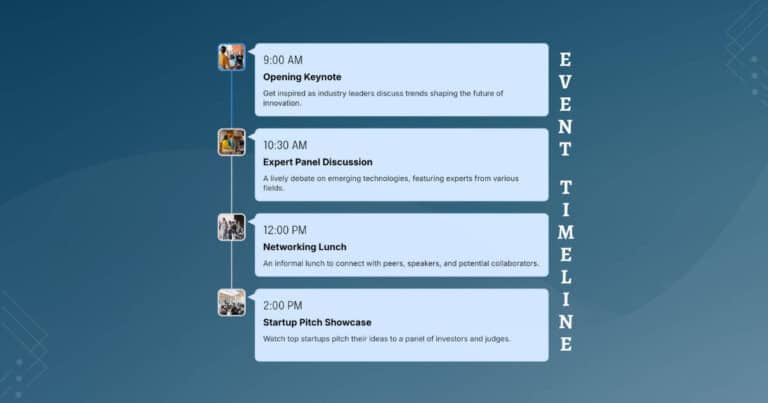
Display Content In Timeline Using Elementor
EAE - Timeline widget allows you to create beautiful and interactive Timelines for your WordPress websites. Timelines are an effective way to showcase events and time-based content. They are useful in depicting historical events, displaying blog posts, tracking project development events, etc in a chronological manner.

How To Create Info Circle in Elementor
Have you ever thought of using a single widget to display multiple contents on your website that changes automatically? If yes, then you can achieve this by using the EAE - Info Circle widget of Elementor Addon Elements.