
Create Category or Custom Taxonomy Archive Layout
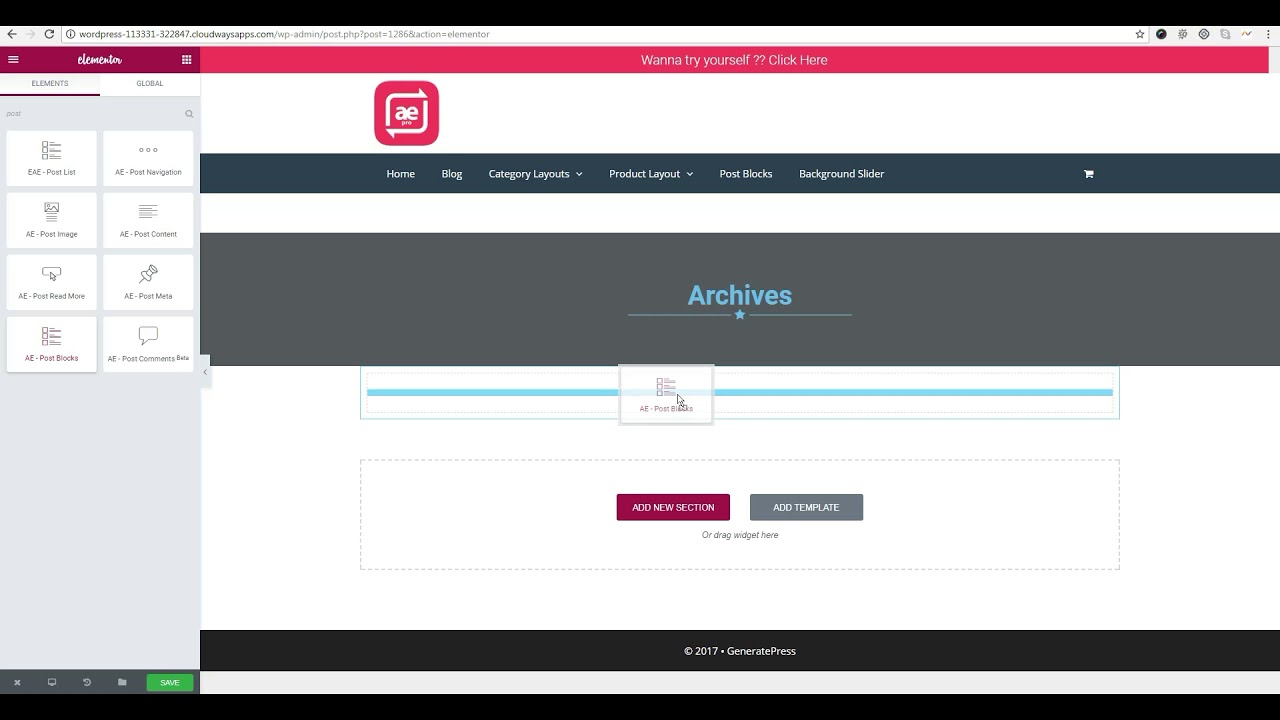
You can now create layouts for categories and custom taxonomy archive pages with full freedom. Show posts in the list and grid format in any layout you want.
The post loop of the category page will have to be replaced with the “Post Blocks Adv” widget. So it is recommended to read about it first here Post Blocks Adv.
Step-by-Step Guide to Create a Taxonomy Archive Layout
Create a New Dynific Addon Template
- Go to Dynific Addon Templates → Add New and configure the template.
- Render Mode: Taxonomy Archive Template
- Preview Post: Leave blank if you are going for full theme override
- Preview Term: Select the taxonomy for which you want to create the layout
- Auto Apply: Leave unchecked (this field is for future enhancement).
- Template: Choose ‘Theme Default,’ ‘Elementor Canvas,’ and ‘Elementor Full Width’ from the option if you want to change the layout.

Edit Layout Using Elementor
- Now save DA Template and start editing with Elementor.
- You can use the “Post Block Adv” widget to show the posts, or you can also use the Post widget of Elementor Pro.
- Configure the widget to show posts from the category/term for which you are creating this layout.
Assign Template to a Taxonomy Term
- Now edit the category for which you have created this layout.
- On the category page, you will get a drop-down “DA Template.” Select the appropriate template from the drop-down.
- Now check your category page on frontend.