DA – Woo Price
The DA – Woo Price widget is used to display the product price on your WooCommerce product pages. It automatically shows the regular price, sale price, or price range (for variable products).
You can customize the styling to match your theme, including typography, colors, spacing, and layout. This helps highlight pricing clearly, making it easier for customers to understand product value at a glance.
The DA – Woo Price features the following controls.
Content
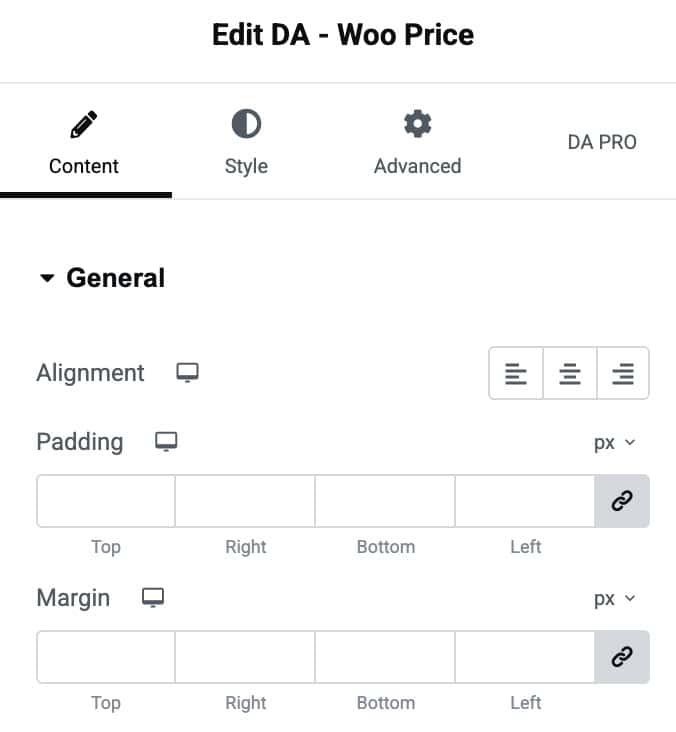
General
- Alignment: Choose the alignment of price.
- Padding: Set the padding.
- Margin: Set the margin.
Style
Price
- Color: Choose the color of price.
- Typography: Set the typography.

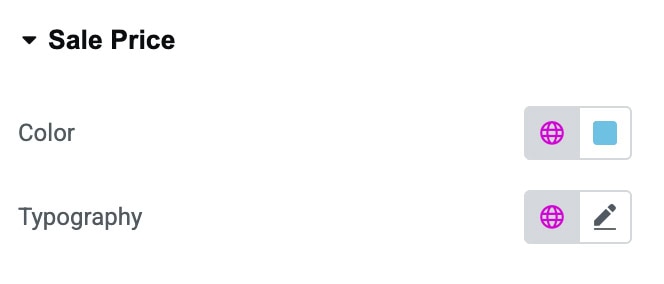
Sale Price
- Color: Choose the color of sale price.
- Typography: Set the typography.
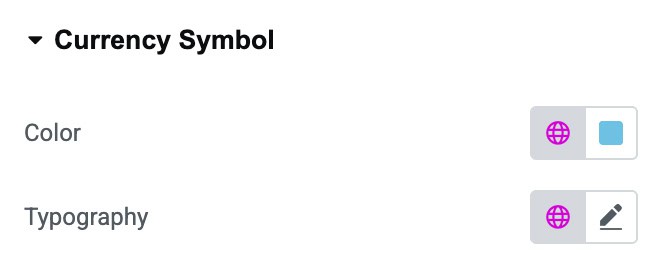
Currency Symbol
- Color: Choose the color of currency symbol.
- Typography: Set the typography.
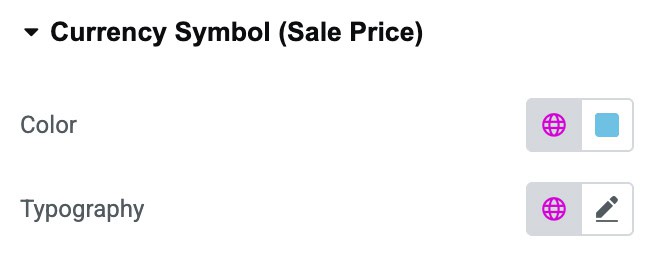
Currency Symbol(Sale Price)
- Color: Choose the color of sale price’s currency symbol.
- Typography: Set the typography.