Enable and Disable Dynific Addons for Elementor Modules
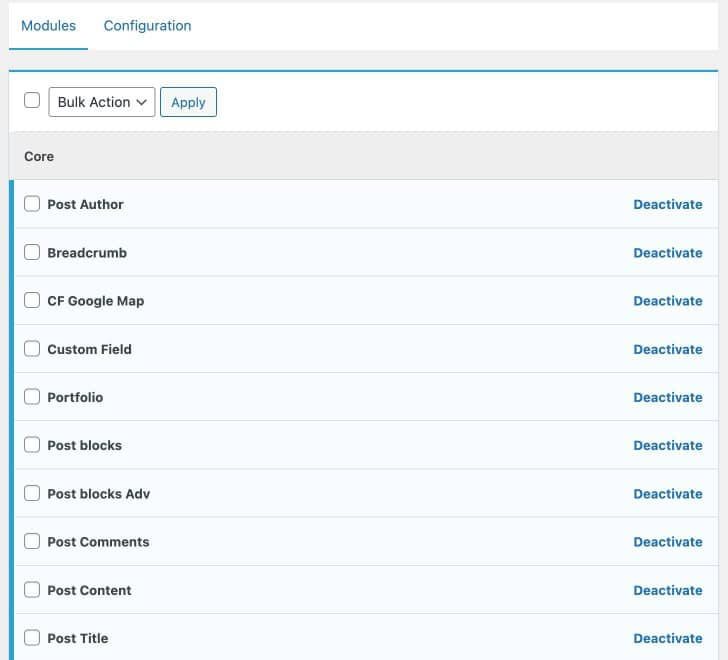
After activating the plugin you may feel like you only require certain functions or modules in the plugin. So, instead of loading all the unnecessary assets and modules, why not just load only the required ones? Dynific Addons for Elementor allows you to activate and deactivate any module of the plugin through Module Manager.
- Navigate to WordPress Dashboard, Dynific Addon Templates >> Settings
- Then, under the Modules tab, select the Modules that you do not want to use and just click on the deactivate link.