DA – Post Comments
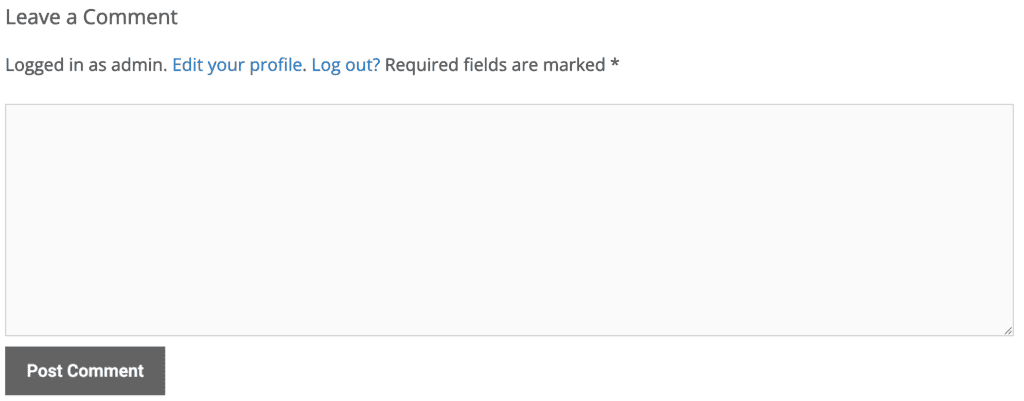
DA – Post Comments displays your theme’s native comment list and comment form for the current post. It renders WordPress’ standard discussion area (comments_template()) inside your Elementor layout, so it inherits your theme’s comment markup and stays compatible with comment-related plugins (spam filters, threaded replies, etc.).
Content
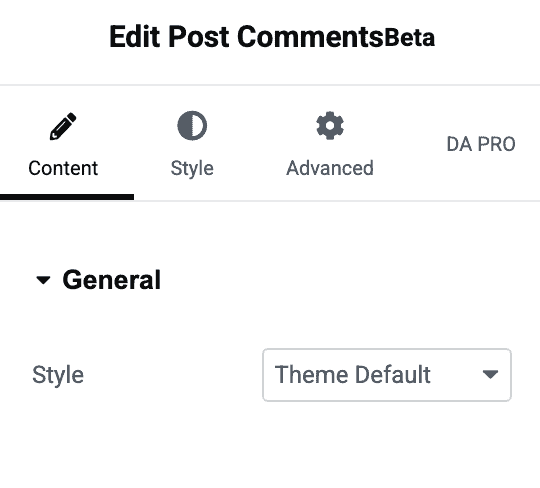
General
- Style: Choose how the discussion area is rendered.
- Select: No style is applied — leaves the field blank/unset.
- Theme Default: Outputs your active theme’s
comments.phptemplate exactly as it would render on a normal single post page. This is the default.
Note: This widget only pulls comments for the current post context (the real post on the frontend, or the preview/demo post while editing in Elementor).
Style
General
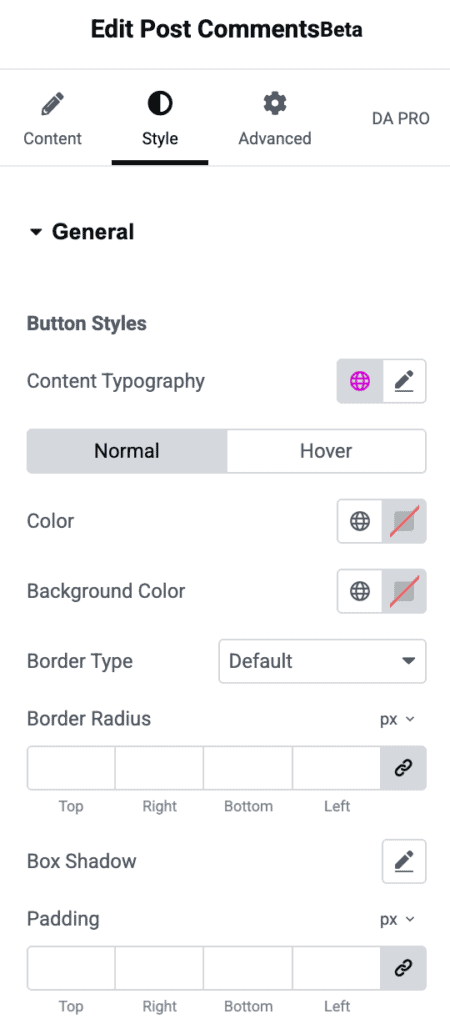
Button Styles — controls the appearance of the comment form’s submit button.
- Content Typography: Sets the font family, size, weight, line-height, and other typography properties of the submit button text.
The button styles are split into Normal and Hover tabs so you can style each state independently:
Normal
- Color: Text color of the submit button.
- Background Color: Background color of the submit button.
- Button Border: Border style, width, and color around the button.
- Border Radius: Rounds the corners of the button.
- Padding: Inner spacing of the button.
- Box Shadow: Adds a drop shadow to the button.
Hover
- Color: Text color of the submit button on hover.
- Background Color: Background color of the submit button on hover.
- Button Border: Border style, width, and color on hover.
- Border Radius: Rounds the corners of the button on hover.
- Box Shadow: Adds a drop shadow to the button on hover.