Methods to Add Dynamic Data in Dynific Addons for Elementor
Dynific Addons for Elementor lets you add dynamic content to posts, pages, and Templates. The Dynamic Content functionality plays a significant role when designing Post Templates, where we need to get content directly from the WordPress post, page, custom post.
There are two methods through which you can get dynamic content in Elementor:
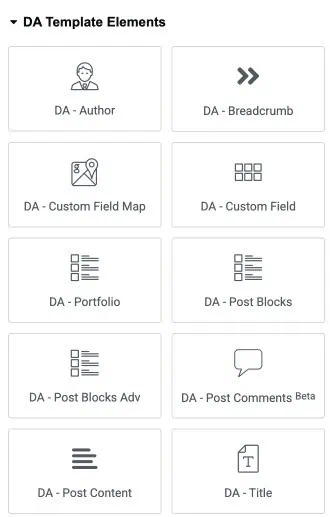
Using Dynific Addons for Elementor Widgets
To get dynamic content, you can directly use widgets provided by the Dynific Addons for Elementor plugin. There are various DA widgets available for each functionality, like title, content, featured image, etc. that will help you get specific data. Here is the Complete list of widgets provided by DA.
Using the Elementor’s Native Widget
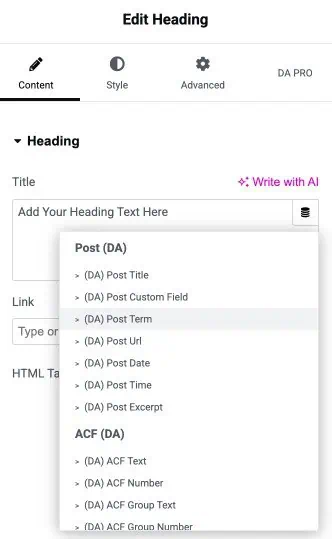
Under this method, you can use the default elementor widgets like Heading, Image, etc., to get dynamic content using the functionality provided by Dynific Addons for Elementor.
- Add any Elementor widget to the section.
- Click on the Dynamic Tag icon, then select the dynamic option under the DA tag.