DA – Author
DA – Author widget is used to display the Author details on your Post/Page.
It can display different types of Author data, and you can style it according to your choice using different controls.
Useful in displaying Author information on Single Post Layouts. It can also be used in Block Layout (Post Blocks widget) to be used for Archive Layouts.
Content
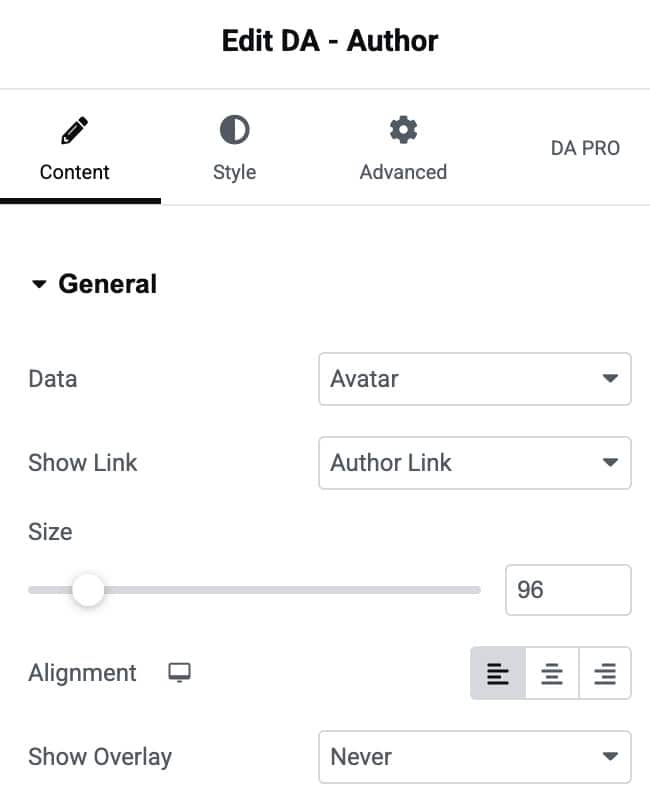
General
- Data: Choose which information about the author you want to display.
- Show Link: This is used to give a link to the content. It has three options: author, post, and no link.
- Size: You can increase or decrease the size of the icon.
- Alignment: Adjust the alignment of the content.
- Show Overlay: You can also have an overlay over the Author’s Avatar. There are three ways to show the overlay (On Hover, Always, and Never).
Style
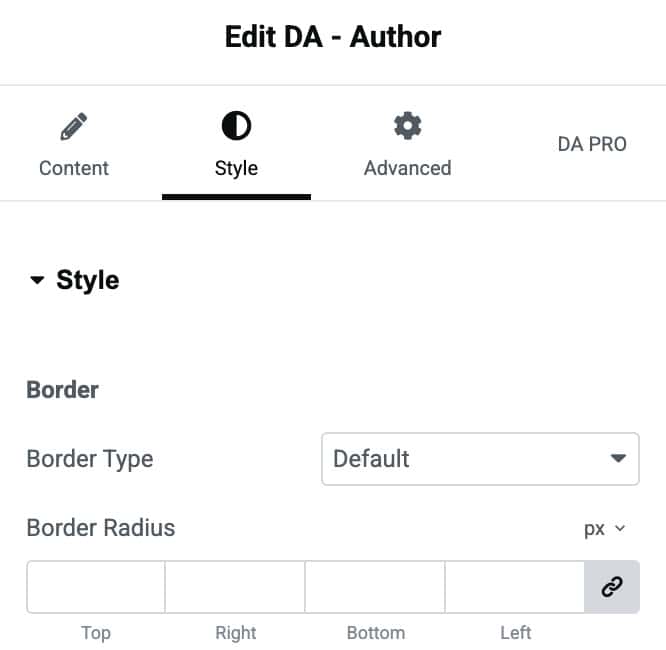
Border
- Border Type: Choose the border style.
- Border Radius: Set the border radius.
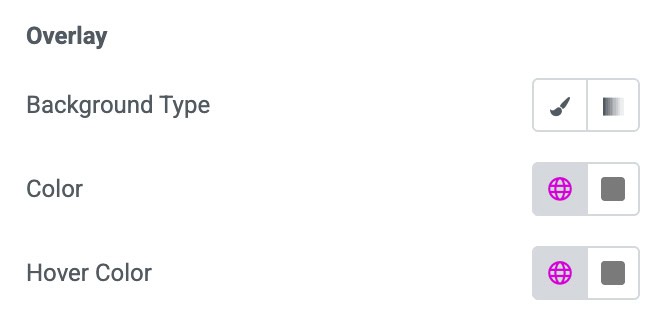
Overlay
- Background Type: Choose from classic or gradient.
- Color: Select the color of text.
- Hover Color: Select the color for hover state.