DA – Pods
The DA – Pods widget allows you to fetch data from the Pods custom fields. It gives you various options through which you can retrieve data from different field types.
Content
General
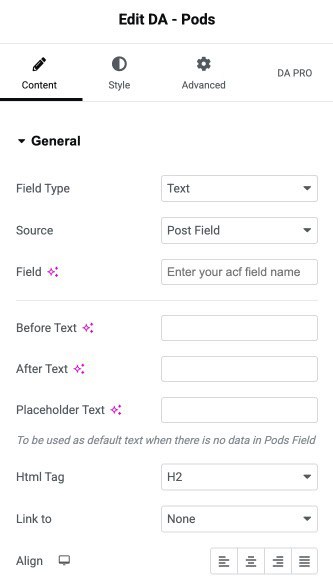
- Data Type: Here, you need to specify the type of pod field from which you want to retrieve.
- Source: Select the data source. This widget supports multiple field types.
- Post Field: Retrieve data from the Post Fields. (To be used in Post/CPT singular template. It can also be used in designing loop-in Block Layouts for Post Block widgets.)
- Term Field: Displays data from Term Fields (To be used on Taxonomy Archive Templates)
- User: Select this to display data from User meta fields. (To be used on Author Archive Templates)
- Option: Use this to display data from Settings pages created using Pods.
- Field: Here, you need to specify the name that you have assigned to the field in pods.
- Before: Text: If you want any additional information to be placed before the retrieved field
- After Text: You can use it if you want any additional information to be placed after the field data.
- Placeholder Text: You can use it to show the default text to be displayed in the field that is empty.
- HTML Tag: Select the HTML tag that you need to use for rendering field content.
- Link to: Choose if you want to link the content. It can be linked to the post permalink, the static URL, or data from another custom field.
- Alignment: Align the content (Left, Center, Right, Justified).
Style
General
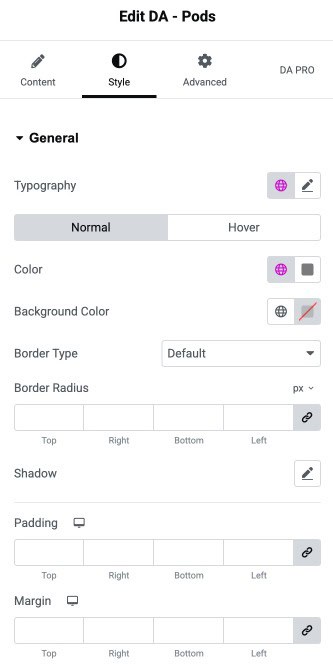
- Typography: Customize the font style, size, weight, and spacing for the general text.
Normal/Hover State
- Color: Set the default text color.
- Background Color: Choose the background color for the element.
- Border Type: Select the border style.
- Border Radius: Adjust the roundness of the element’s corners.
- Shadow: Apply shadow effects for depth and emphasis.
- Padding: Add inner spacing around the element to control content spacing.
- Margin: Add outer spacing around the element for layout positioning.