
Category Tutorial

How To Display ACF Nested Repeaters In Elementor?
ACF Nested Repeaters is a fascinating feature. However, embedding numerous repeaters within a parent repeater block may be hard to implement on the frontend, as you need to write tons of PHP code. But don’t worry; we have a complete…

How to Display ACF Relationship & Reverse Relationship in Dynific Addons for Elementor (formerly AnyWhere Elementor)
The ACF Relationship Field is excellent for creating advanced relationships between one post type to another (like from A–> B). You can create relationship fields to link posts with common roles and characters. They are pretty amazing when you want…

ACF Flexible Content Field Type: Complete Guide
If you want more control over how your WordPress pages are structured, the ACF Flexible Content Field is a powerful way that gives you just that. It works like a custom layout builder where you can create and arrange different…

ACF Repeater Field: Complete Guide (Setup, Display, Elementor)
The ACF Repeater field solves one of the most common content structure problems in WordPress: what do you do when the same set of fields needs to repeat? Team members, testimonials, pricing tiers, FAQs, service features, and event schedules. Instead…

ACF Group Field: A Complete Guide in WordPress
ACF Group field type provides a way to structure and organize fields inside a field group. It provides a more accessible UI screen, which makes it easy for you to edit and organize data. Group Fields act like an organizational…
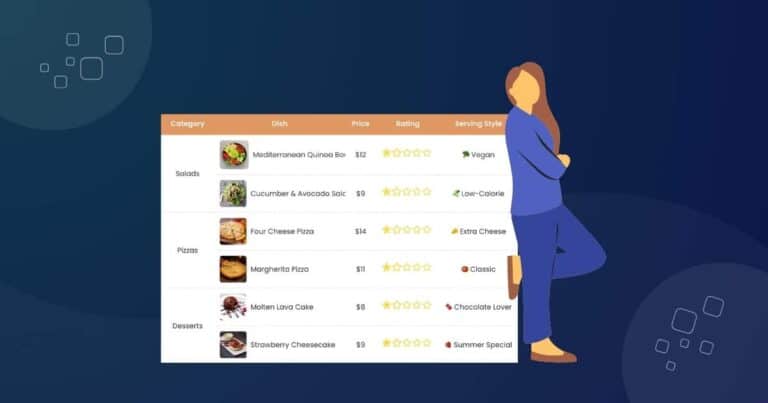
How To Create Data Table In Elementor To Organize Large Data Sets?
When you have a large amount of content to display online, organizing that data becomes crucial, not just for design, but for user experience and SEO. Poorly structured information can confuse visitors and harm your site’s credibility. That’s why using…
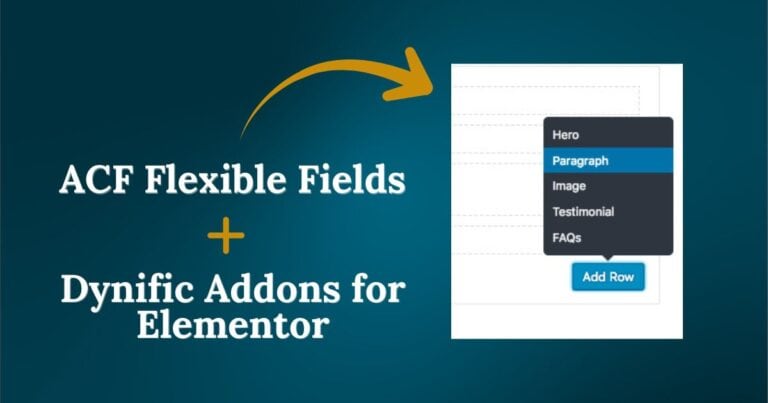
How To Display Data From ACF Flexible Content In Elementor?
The ACF Flexible content field is one of the most important features of Advanced Custom Fields. It lets you have a simple, structured block-based editor with multiple layouts and sub-fields that provide complete control over page structure. However, this flexibility can…

Manage multiple Single Post Templates with Dynific Addons for Elementor (formerly AnyWhere Elementor)
Do you need different single post templates for your blog posts? Maybe the layout depends on the kind of content in that post. Or perhaps it’s a case where you have different layouts depending on whether or not the post…
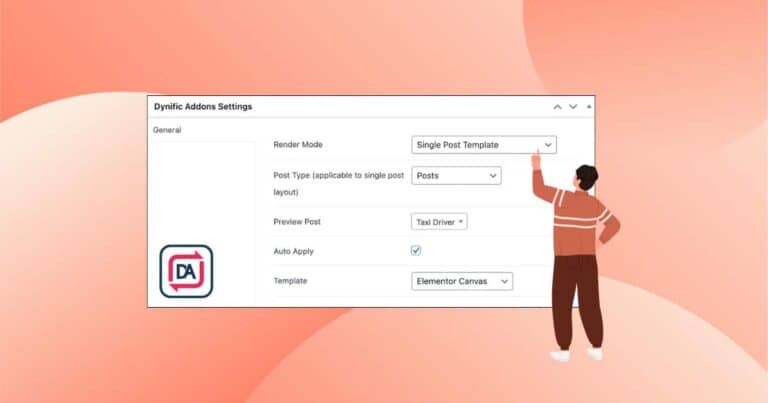
3 Step Process For Creating Single Post Template using Dynific Addons for Elementor
Tired of using the same default layout for all your blog posts? Want to design beautiful, consistent templates that save time and reflect your brand? With Elementor Free and (formerly AnyWhere Elementor), you can easily create fully custom Single Post…