
Category Tutorial

How To Create Info Circle in Elementor
Have you ever thought of using a single widget to display multiple contents on your website that changes automatically? If yes, then you can achieve this by using the EAE - Info Circle widget of Elementor Addon Elements.

How to Create a Filterable Gallery in Elementor
Whether you are planning to create a photography website in Elementor or just want to showcase an image portfolio, organizing photos can be a cumbersome job most of the time. Since you are loaded with lots of photos like lots, so…
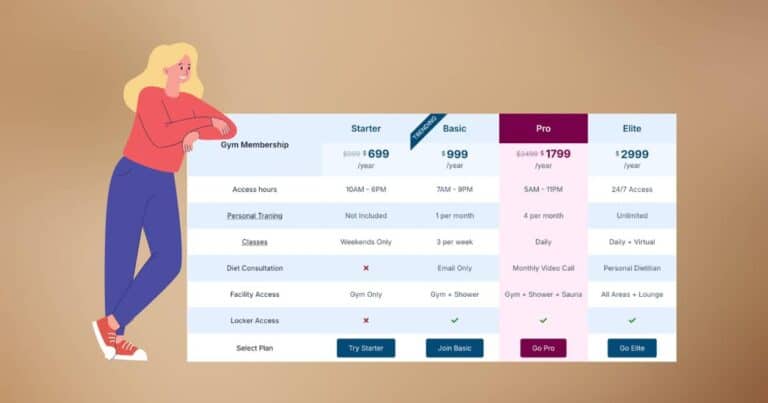
Creating Comparison Table in Elementor Using Addon Elements for Elementor
Introduction At times, in most of the E-Commerce sites, you must have come across a table that compares related product features. However, using a comparison table to compare different products on your page helps in better decision-making. So, if you are…

Create a Dynamic Team Member Section in Elementor using ACF
Want to dynamically showcase your team members in Elementor without manually editing every page? With the Advanced Custom Fields (ACF) Repeater and (formerly AnyWhere Elementor), you can display a stylish, easy-to-maintain team section that updates from one backend location. In…

How to Use ACF Repeater Fields for Creating Dynamic Accordion in Elementor
Have you ever tried to implement accordions dynamically to display data from the ACF Repeater Fields? If not, then why not just give it a try? Using Accordions can be a handy way for managing larger amounts of data, as…
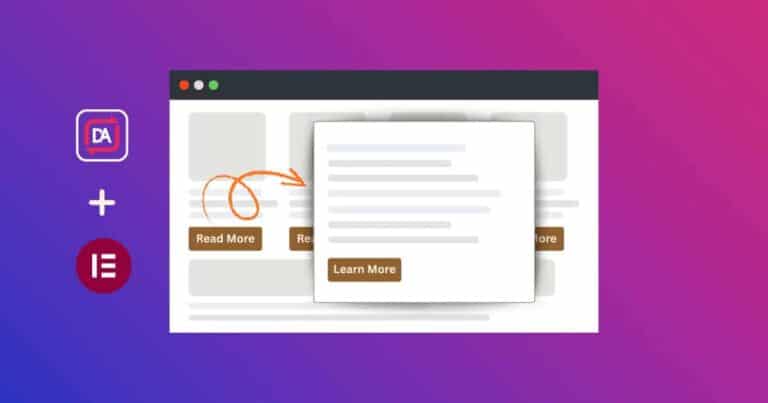
How to Create a Read More Modal Popup for Post Archives in Elementor
Sometimes, when visitors browse your blog or post archive pages, showing full content for every post can make the page look long and overwhelming. A smart way to keep things clean and organized is by displaying just a short excerpt…
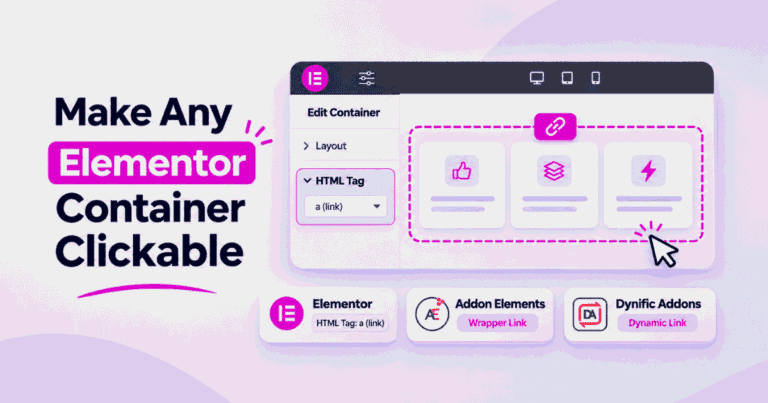
How to Make a Container, Section or Column Clickable in Elementor
Want a whole card or box in Elementor to open a link? Here are three ways to make a container, section or column clickable, which one fits your layout, and how to fix the usual problems.

How to Save Elementor Pro Form Submissions in the Database?
Elementor Pro comes with an awesome widget – Forms. With this, you can create forms and style them with great ease. It also provides you the option to send an email on form submission. You can also connect to many…

Add Snowfall Effect on Website in Elementor
Adding interactive visual effects is a great way to make your website feel modern and festive. One such effect is the snowfall animation, which you can easily add to your site using (formerly Elementor Addon Elements) and Particles.js, without writing…