
Category Tutorial
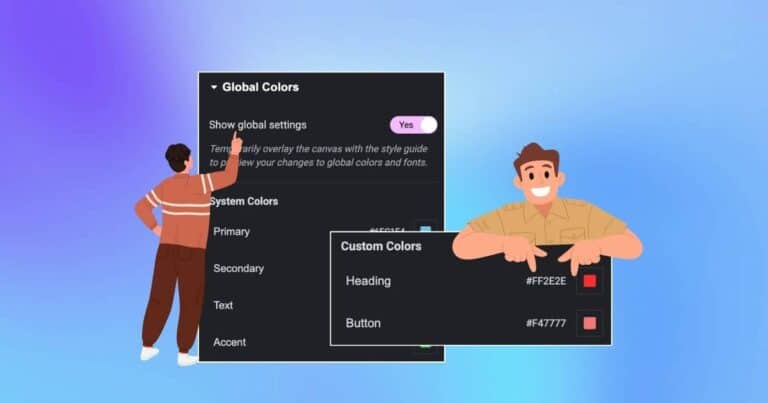
Add Global Colors In Elementor With Just 2 Simple Steps
Using the right colors is important when designing a website in Elementor. Colors help build your brand, make your site look professional, and improve the user experience. But changing colors manually on every page can be time-consuming. That’s where Global…

How To Create Stunning Charts In Elementor With Just 3 Simple Steps
The Information that is conveyed visually leaves a much more substantial impact on the viewer than simple text-based information written in long paragraphs. Therefore, data and Information represented visually in the form of Graphs and charts tend to get more…

Create Stunning Thumbnail Sliders For your WordPress Landing Pages
Creating an engaging image slider can significantly boost your website’s visual appeal and user engagement. With the Thumbnail Slider widget from (formerly Elementor Addon Elements), you can easily display interactive sliders with custom thumbnails. Whether you’re highlighting product features, testimonials,…

How to Add Custom Icons in Elementor (Step-by-Step Guide)
Looking to enhance your Elementor website with unique icons that reflect your brand? Elementor Pro makes it easy to add your own custom icons without writing a single line of code or installing third-party plugins. In this step-by-step tutorial, you’ll…
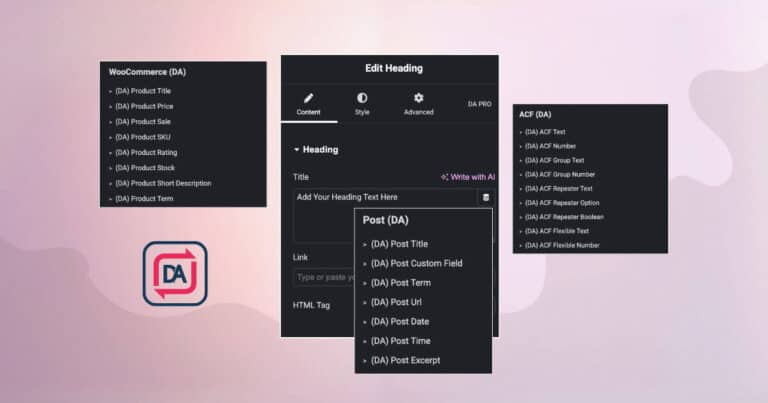
Introducing – Dynamic Content In Dynific Addons for Elementor (formerly AnyWhere Elementor)
Dynamic Content is one of the key features offered by Elementor Pro. Dynamic Content functionality plays an important role when you are creating a theme or a template in WordPress. (formerly AnyWhere Elementor) also supports the Dynamic Content functionality just…
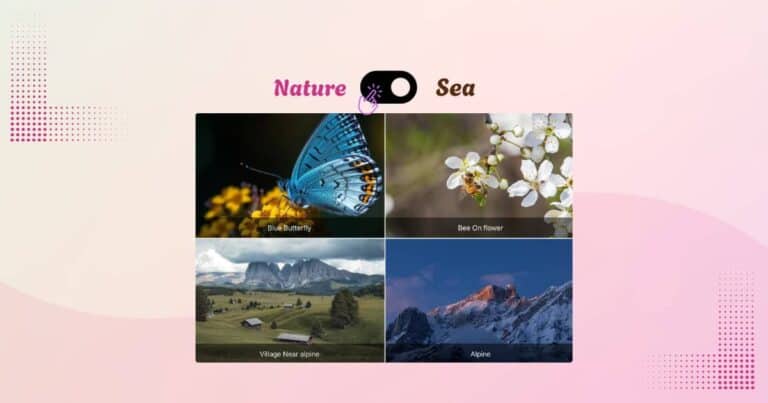
How to Add Interactive Content Switcher to your WordPress Website
Want to display multiple versions of content in a sleek, user-friendly way? Instead of using long pages or tabs, add a content switcher to your WordPress site. With the Content Switcher widget, you can allow users to toggle between product…

Create Stunning Animated Gradient Backgrounds in Elementor
Incorporating Animated Gradient Backgrounds in Elementor is a popular trend nowadays. Using multiple colors with eye-catching animated effects not only adds a unique touch to your website but also attracts visitors. Animated gradient backgrounds are a modern way to grab…

How To Create Attractive Search Template Using Dynific Addons for Elementor (formerly AnyWhere Elementor)
If you have dozens or even hundreds-of blog posts, products, or custom post types on your website, navigating through all of them manually can be overwhelming. Imagine you’re browsing an eCommerce website trying to find a specific product. With so…

Create An Effective Price Table In Elementor
You must have come across in most of the websites that offer courses and packages a table that showcase an effective pricing plan to its customers. The price table helps the customers to pick the most appropriate plan for them.